
How to Search Cases by Name
Portal is the public case-search route for Mecklenburg and the other eCourts counties. A name search fits when the case number is missing. The catch is that the service covers the whole state. Begin with a last name and first name. Then apply the Mecklenburg location filter if the results sprawl. For wildcard searches, Portal's official guidance asks for at least three characters plus an asterisk on a last name. It asks for at least one character plus an asterisk on a first name. Treat the wildcard as a fallback. Reach for it only after a precise spelling fails. Then it may surface the Mecklenburg case you are after.
- Open the official North Carolina eCourts Portal and select Smart Search.
- Enter the most precise party name available. Use the official wildcard format only when a partial name is needed.
- Open Advanced Filtering Options and choose Mecklenburg, then add a case type, status, or filing-date range if the results are broad.
- Open the matching Case Summary and compare its case number, party information, case type, events, and hearings before relying on a result.
Portal's official training material documents the available fields. Those fields explain why a Mecklenburg name search can be narrowed directly, with no guessing about a local-only database.
| Field label | Type | Required | Mecklenburg search use |
|---|---|---|---|
| Search text / case number | Text | One criterion | Use a full number when known; a number wildcard needs at least four characters plus an asterisk. |
| Party name | Text | Optional criterion | Use precise spelling first; last-name wildcard needs three characters plus an asterisk. |
| Location | Filter | No | Select Mecklenburg to narrow statewide results. |
| Case type | Filter | No | Published categories include Civil Actions, nonconfidential Special Proceedings, Estates, and Criminal Actions. |
| Filing date range | Date range | No | Use it to reduce results when an approximate filing period is known. |
Mecklenburg Smart Search Case Summary
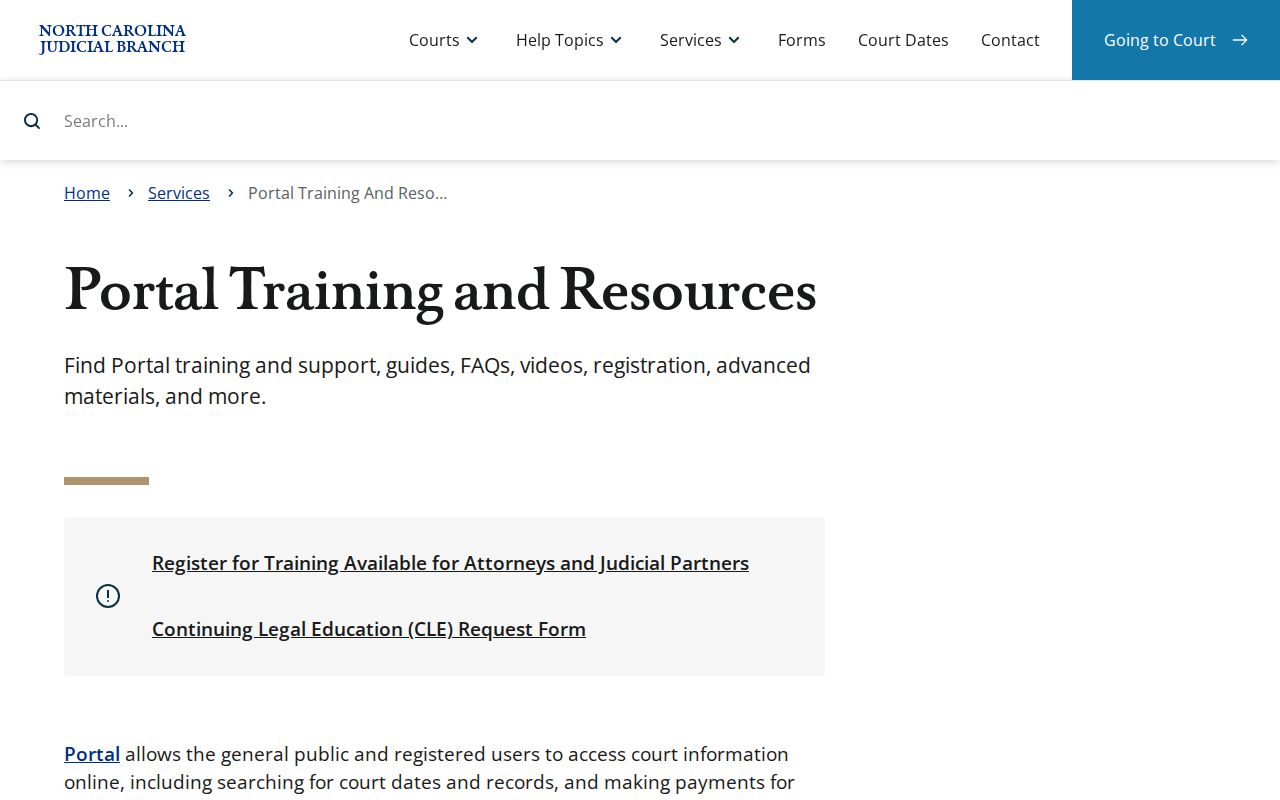
Smart Search is Mecklenburg's public Register of Actions view. North Carolina's training material names the detailed chronological display a Case Summary. Open one and you can move through Case Information, Assignment Information, Party Information, Case Events, Hearings, Dispositions, Financial Information where applicable, and causes of action for civil, family, probate, and mental-health matters. A missing section usually just means nothing to show there. It is not proof of a sealed case. Portal works without registration for public information. Registering adds a My Cases convenience feature, not access to restricted court records. The official Portal training and resources page supplies the state's own feature descriptions. It also walks through this Smart Search view.
The Portal view gives the public a quick summary of any Mecklenburg case. For a certified copy, or to pull an older document the Portal misses, use the Clerk's separate records process.
Searching by Case Number
The case number is the cleanest key to a Mecklenburg case lookup. The official Enterprise Justice format has four parts. These are a two-digit year, case-type letters, a six-digit sequence, and a three-digit county identifier. The statewide training example is 21CR000003-910, a generic illustration rather than a Mecklenburg-specific sample. Type the full number into Smart Search when you can. Name searches, by contrast, can pull in similar parties from other eCourts locations. Portal also allows a case-number wildcard after four characters plus an asterisk. That helps when part of an identifier is legible but the rest is not. Do not use a fragment to guess at what the full case might be. Before accepting a result as the right Mecklenburg case, check the case number, location, party information, and case type as a set.
Mecklenburg Enterprise Justice Numbers
Enterprise Justice numbers let a Mecklenburg searcher tell apart cases that carry similar names. The two-letter code marks the case type in the system's format. No Mecklenburg-specific legend for every code appears in the accessible training. The Clerk's certified criminal-record-search form does define several useful terms. Even so, treat a form code with care. It may not match the exact label every live Portal Case Summary displays.
- Case Summary / Register of Actions
- The chronological Portal view of public information and recorded events in a case.
- Case Event
- A recorded timeline event, such as a filing, hearing, or disposition-related action.
- CR
- A criminal case label used in state reporting and case-number context.
- CRS
- A criminal Superior Court label used in the state county activity report.
- IF
- An infraction label used in the state county activity report.
When a number points to a case in a different division, read the Case Summary before drawing conclusions from the letters alone. One Clerk maintains both Superior and District Court records in Mecklenburg. The division still matters for reading the case category correctly.
What a Case Search Shows
A Mecklenburg case-search result is an index. It may not always show the whole file. Smart Search can show core case identity, parties, chronology, hearings, dispositions, and financial information where applicable. Civil, family, probate, and mental-health matters may also list causes of action. Portal may display available documents too, though law or court order can limit what appears. The Case Summary works best when you move through its sections in order. Do not lean on a single status label.
| Case number | The system identifier for the Mecklenburg case and the most precise search key. |
|---|---|
| Case information | Core case metadata and classification shown by Portal. |
| Assignment information | Court, judicial, or administrative assignment information when available. |
| Party information | Public party data displayed under Portal access rules. |
| Case events and hearings | The chronological case activity and scheduled-hearing information; Search Hearings is the current-date complement. |
| Dispositions and financial information | Outcome-related entries and applicable monetary information, which may not appear for every case. |
For the current court date, compare the Case Summary with Search Hearings and the local schedule. A calendar-call posting is not an individual hearing confirmation. The separate Mecklenburg court dates reference explains the difference.
Mecklenburg Case Search Filters
Advanced Filtering Options are the main tool for turning a broad Portal name search into a focused Mecklenburg case lookup. The official fields cover location and general options, party name and date of birth, case type, case status, and a filing-date range. Attorney name, attorney bar number, business name, citation number, cross-reference number, and nickname are supported too. Portal's public categories are Civil Actions, nonconfidential Special Proceedings, Estates, and Criminal Actions.
Use one narrowing fact at a time. Start with Mecklenburg location, then add a case type or filing window if necessary, so a valid result is not excluded by several uncertain filters.
Wildcard rules change from one field to the next. For a business name or a nickname, you need four characters at minimum. Then add an asterisk. The state’s training guidance does not list every live case-status choice either. So treat the status filter the way Portal itself presents it. Do not guess at a menu label. One more caution about Mecklenburg case lookup: a tight no-match result often says more about your filters than about whether a case exists. It is not a conclusion.
Mecklenburg Case Search No-Match Steps
A Mecklenburg search that comes back empty deserves a second pass before you conclude anything. Use a full case number if you have one. For a name search, try the exact spelling, a supported wildcard, and the Mecklenburg location filter. Then loosen anything that might be too tight: the case type, the status choice, the filing-date range. A citation number is also a documented advanced Portal criterion. It works for an infraction or traffic matter.
When Portal still will not return the record, the courthouse is the local fallback. The Mecklenburg County Clerk of Superior Court offers public self-service terminals and paper-file inspection. An older criminal, civil, or estate-special-proceeding document may be missing after the eCourts conversion. For those, the county directs a requester to the appropriate Clerk division’s email route. Include the record type, party name or names, and file number if known. The county publishes no guaranteed turnaround and no general online docket-copy request form.
County vs Statewide Case Search
North Carolina’s Portal is statewide for participating eCourts counties, Mecklenburg included. So the useful distinction is not a separate county database versus a statewide portal. The real choice is between searching the statewide Portal with a Mecklenburg location filter and using the Mecklenburg Clerk’s local public-access channels. Those local channels matter when a Portal result is missing, older, or requires inspection of a paper file. Either way, the unified court system keeps the local records with the same Clerk. Both Superior and District Court dockets sit there.
| Portal with Mecklenburg filter | Mecklenburg Clerk access |
|---|---|
| Statewide public search layer for available eCourts information. | County records counter, public terminals, paper-file inspection, and older-record routing. |
| Search by case number, party, attorney, citation, and documented advanced criteria. | Use when an online result is absent, a pre-conversion document is needed, or direct records inspection is appropriate. |
| Shows available Case Summary information and other Portal features. | Maintains the local Superior and District Court records and statutory copy processes. |
NC Judgment Search is another Portal feature. But it is a judgment index rather than a complete case file. Search it by party or case number. It returns the case number, disposition status, index date and time, parties, and any relevant judgment comments. For the fuller Case Summary, go back to Smart Search.
Mecklenburg Case Search Conversion Boundary
Mecklenburg’s eCourts conversion went live on October 9, 2023. The change brought Portal, Odyssey, and File & Serve eFiling to the county. Portal is the public docket-reading service. File & Serve is the attorney and party filing channel. Someone who wants to read a public case should therefore begin with Smart Search. It is a mistake to treat the e-filing system as the public record search tool.
Treat the date as a retrieval boundary, not a claim that earlier docket information vanished. The Mecklenburg courthouse page says a criminal, civil, or estate-special-proceeding document filed before the conversion may need a Clerk-division email request. That applies when Portal does not show it. Provide the type of record, party name or names, and the file number if known. Then verify the present route with the Mecklenburg County Courthouse page or the Clerk.
Restricted Cases and Access Rules
Public Portal access reaches publicly available information, not every court record. North Carolina law requires Clerks to maintain records, files, dockets, and indexes. It generally makes them open to inspection during regular office hours, subject to legal limits. G.S. 7A-109 is the governing Clerk-records provision. A court can redact confidential portions. And a confidential document is not produced simply because a case title or event line is visible.
Mecklenburg’s court-observation guidance names juvenile records, adoption records, statute-protected records, and documents sealed by a judge. These sit outside ordinary public access. Juvenile records are withheld from public inspection under G.S. 7B-3000, except for authorized access or a court order. An absent result is not proof that no case exists, that a record was expunged, or that a Clerk made an error.
Mecklenburg Case Search Access Limits
Creating a Portal account does not unlock restricted Mecklenburg court records. Anonymous users may search and view publicly available information. Registration creates My Cases, a convenience feature and nothing more. Elevated access requires a verified statutory business need and authorization. It is not granted merely by registering. The distinction matters when a case search looks incomplete. The right next step depends on the type of record and the legal restriction that applies.
For a paper record or an older document, the Mecklenburg Clerk is the local fallback. For a civil judicial-record access claim, G.S. 1-72.1 provides a procedure to ask the court to decide the access issue. That process is distinct from a routine Portal search. The Clerk can explain the records channel. A court settles access questions that need judicial action.